

This tutorial will guide you through the process of creating a YouTube description using Descript.
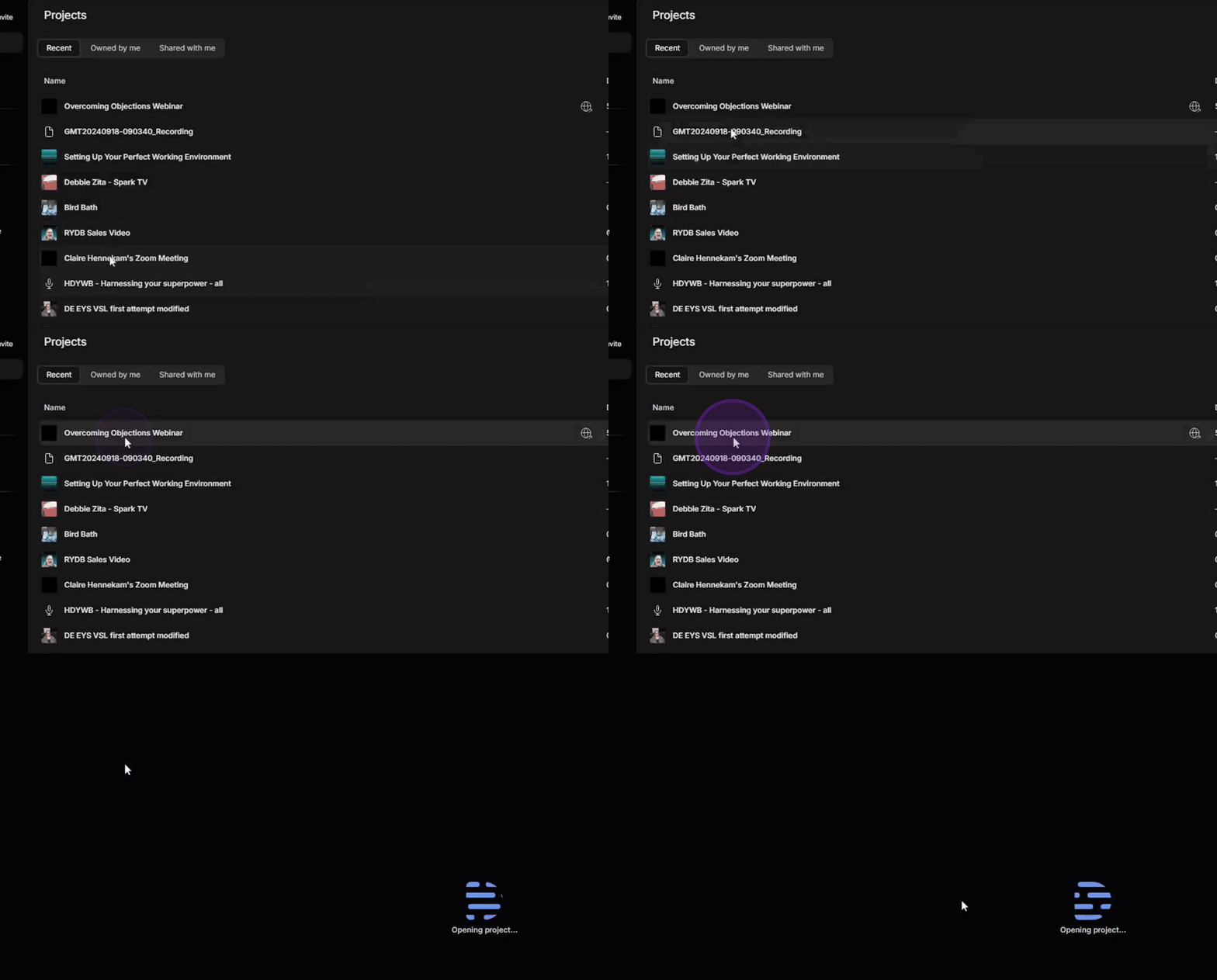
Begin by opening your Descript window and selecting the project you wish to use. Alternatively, you may choose to start a new project.
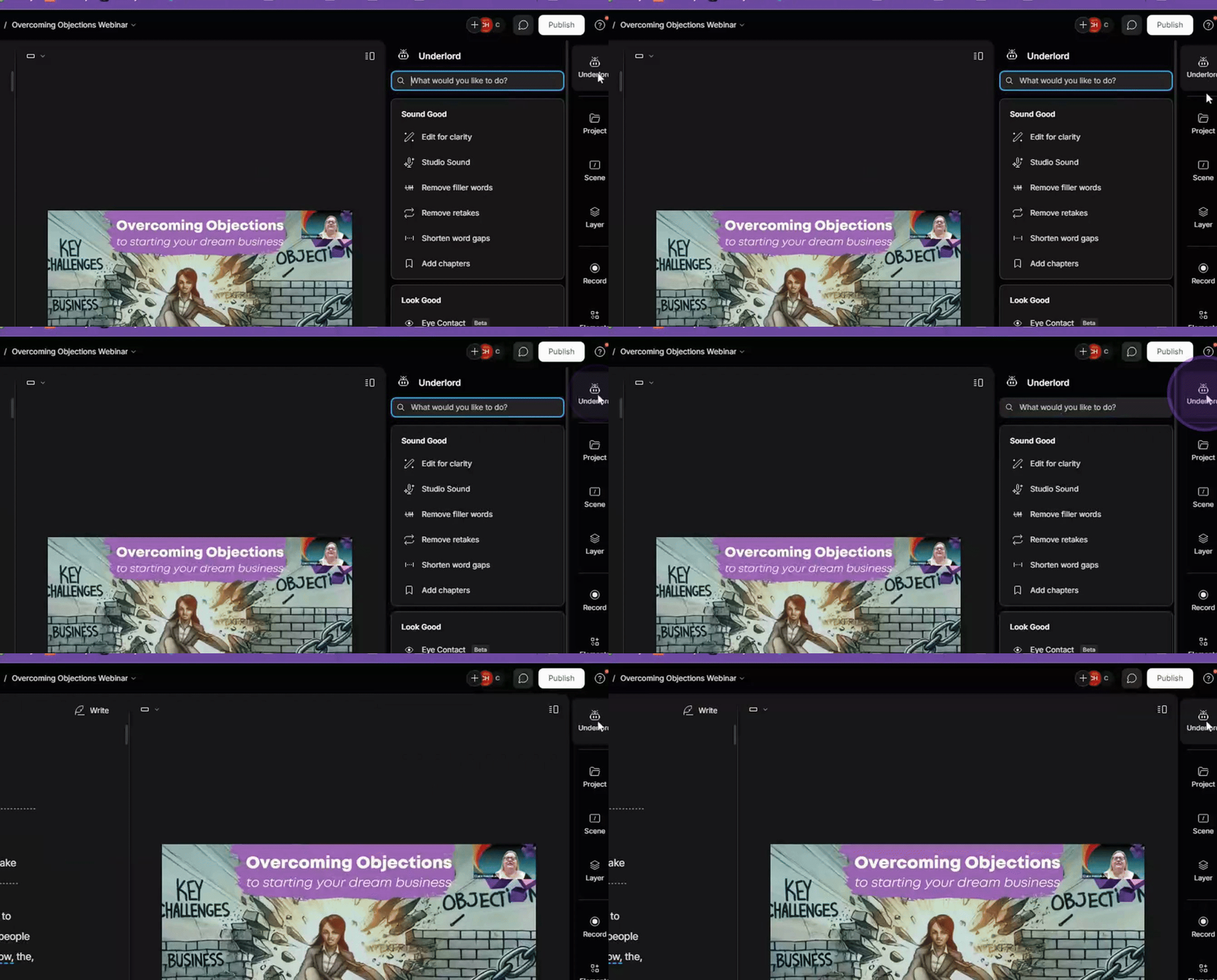
Click on Underlord.
Next, scroll down to YouTube description and click on it.
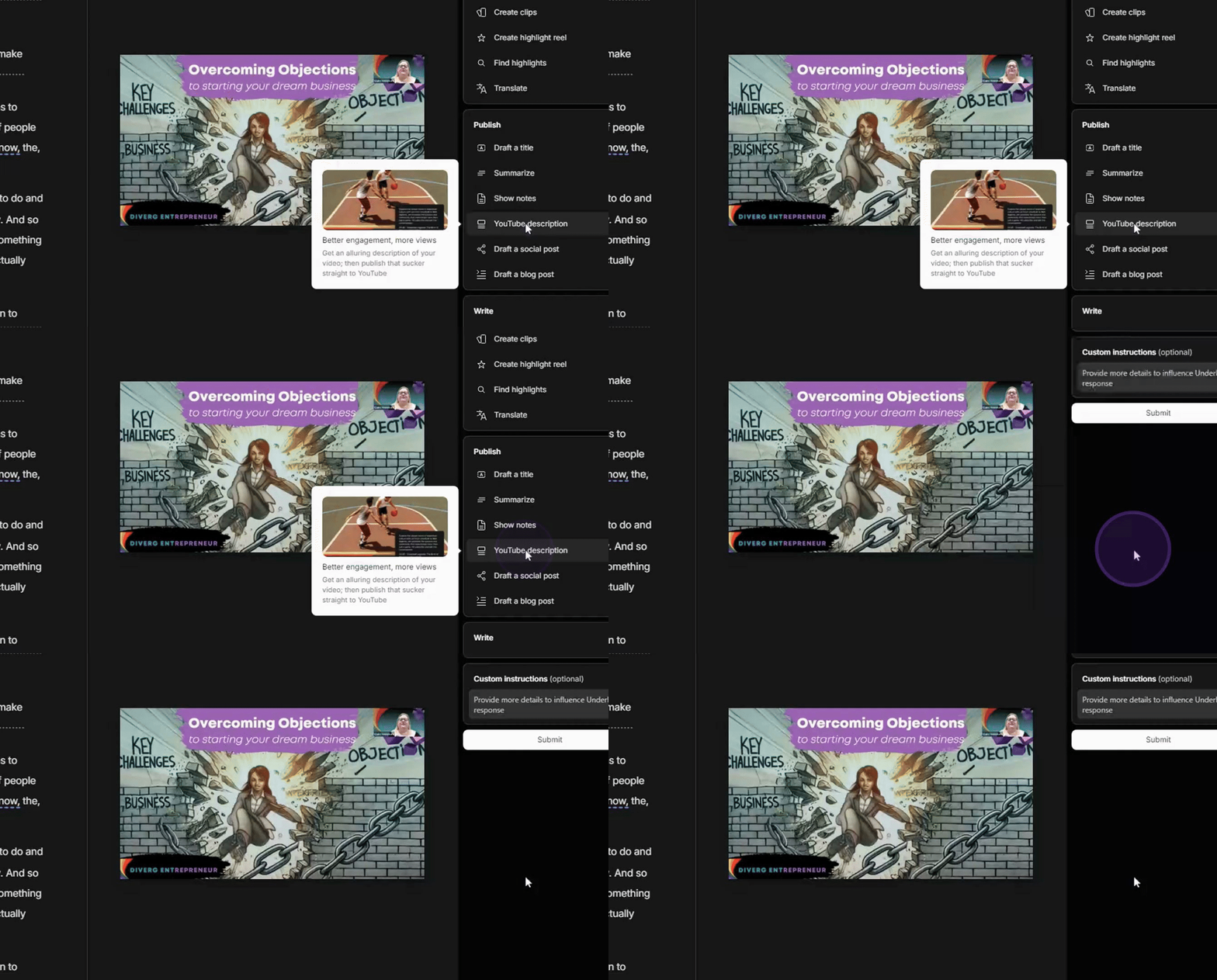
You have the option to provide an example of writing or custom instructions, but for this tutorial, we will skip those options.
Simply hit Submit.
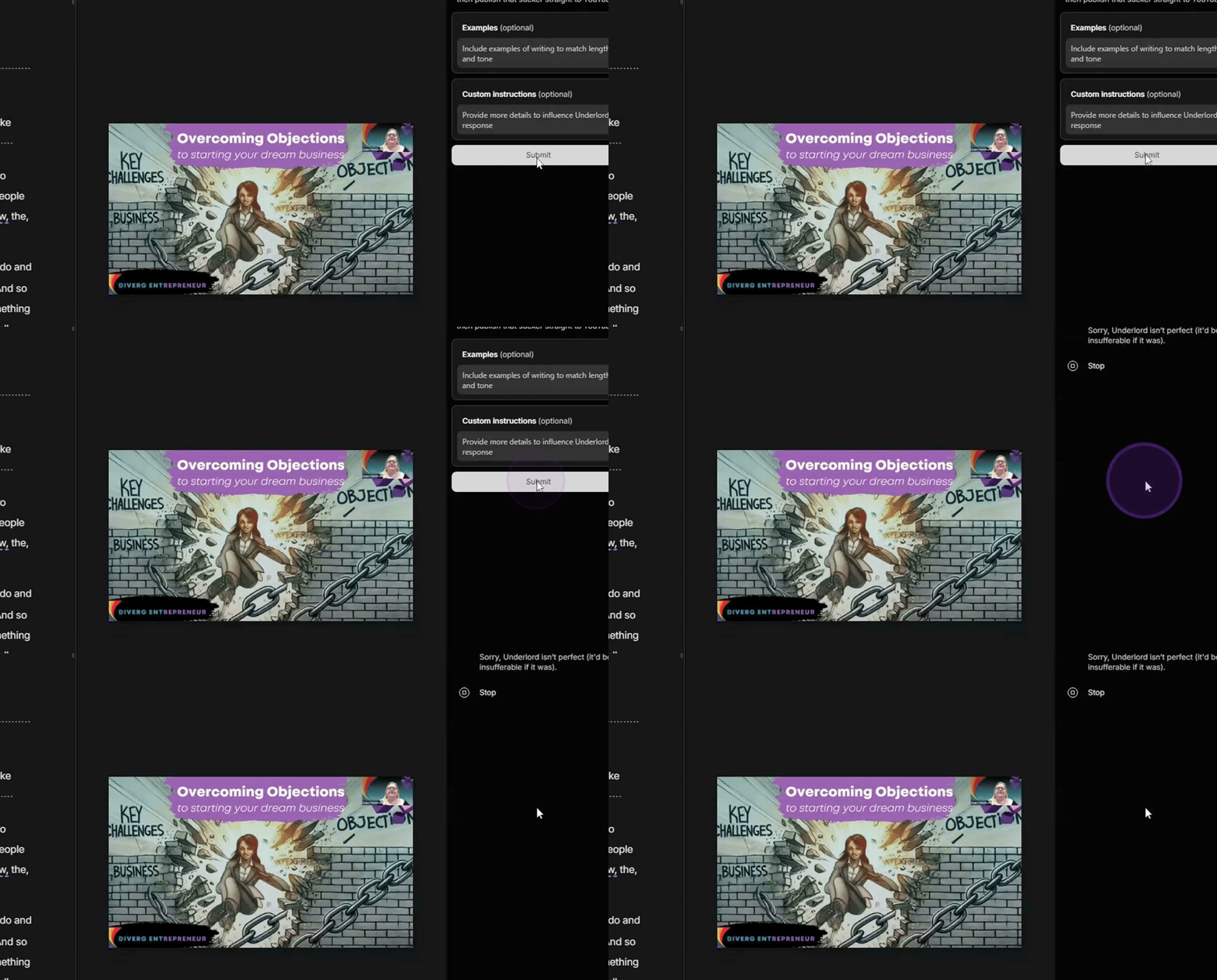
In a couple of minutes, the YouTube description and chapters will be generated. If desired, you can choose to refine the output or click Done.
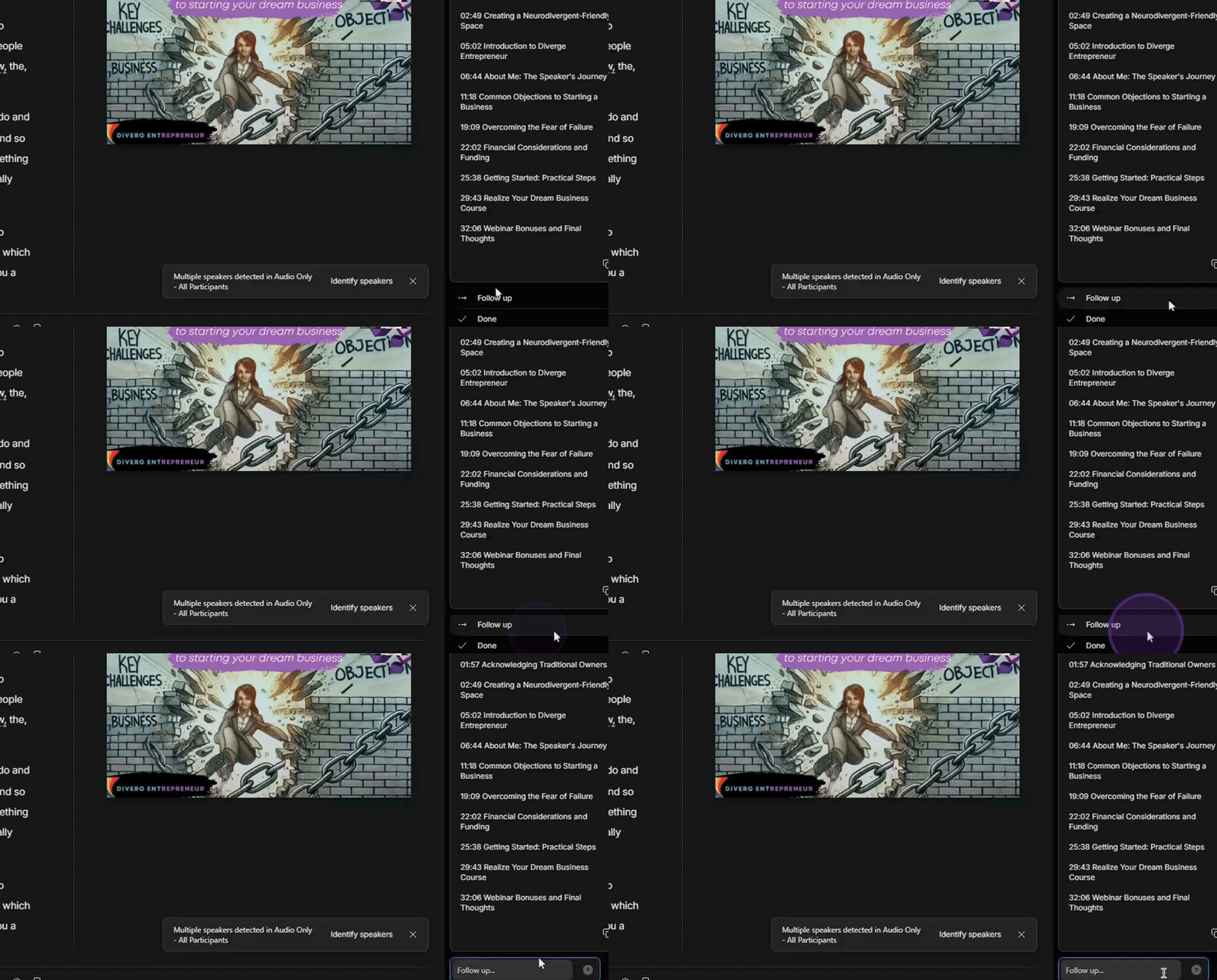
By following these steps, you will successfully create a YouTube description using Descript.
